Cornell One Notes template
2nd September, by Shane George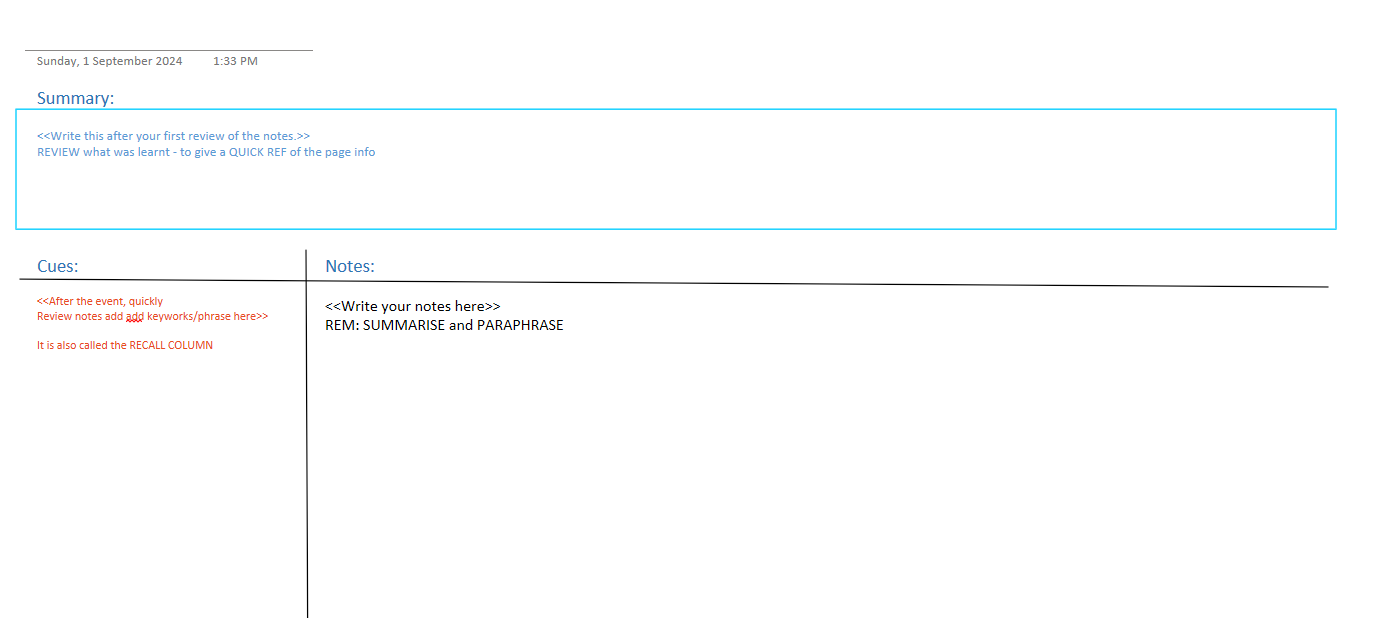
Cornell Notes
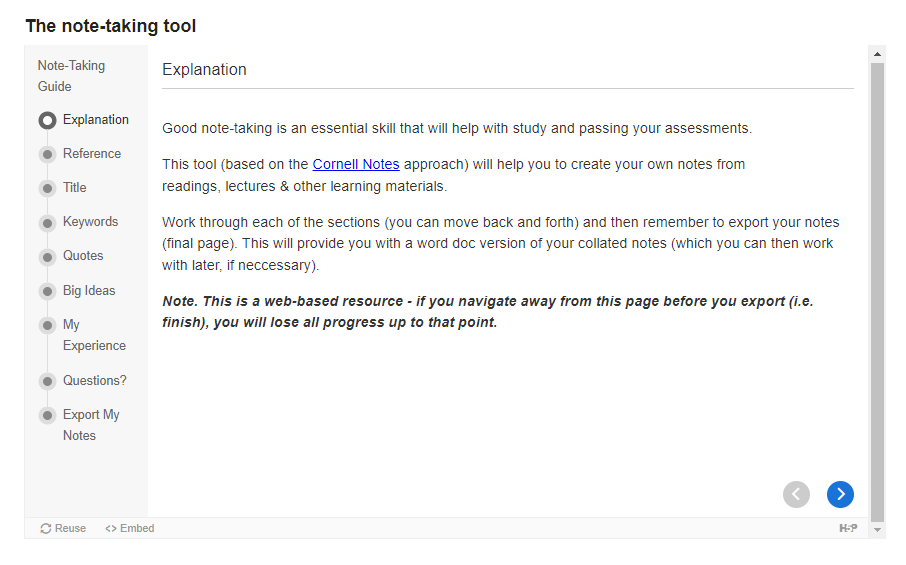
One of my units has a note taking resource embedded in the online notes after each presribed reading, that I don’t use but can see the value in.
Instead I write my notes in OneNote, and have a template that each unit (or subunit) is on a Cornell Note template page. It has a summary at the top, I often neglect to update (or update only a month after the class). But I do update the Cue collum to the left weekly or so, to summaries the notes and quotes I can copied or summarised out of the course reading. Often I highlight the papers and chapters I read, and then copy in the pdf to the notes so I can open it and review the information when referencing back to my notes for assignments.
You can download a copy of the OneNote template. To use it, copy the OneNote template above to *%appdata%\Microsoft\Templates* then open it from there (not sure why it has issues opening form other places) and you should see the template Cornell Notes layout I use.